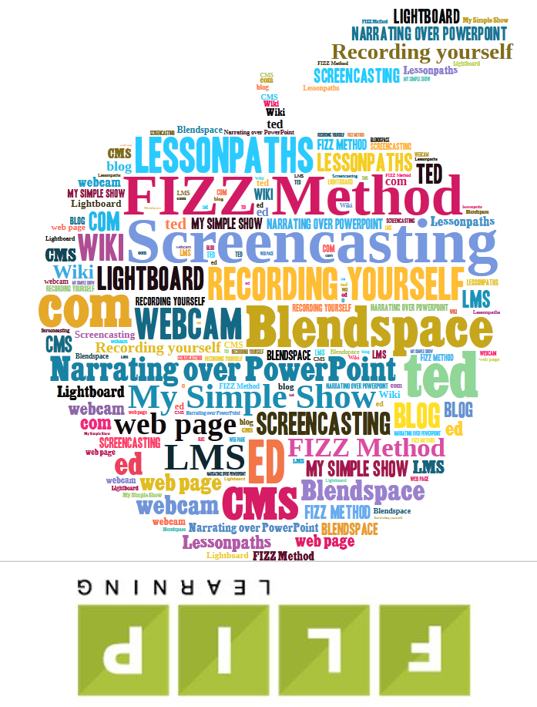
Over the past few months, I've written a series of posts over on the Flipped Learning Network web site that offer a wealth of different tools and techniques that can be used to create digital learning content for flipped or blended teaching and learning. I want to be sure that EmergingEdTech subscribers get a chance to check these out. While there may be some pretty obvious and standard tools and techniques here, there are also some fun and unique approaches.
Here are 10 great ways to create digital learning content - click on the links to access the original articles:
- The perennially popular technique of screencasting
- Narrating over PowerPoint
- The low-tech FIZZ method
- The web app mysimpleshow
- The high tech (but probably not as challenging as you might think) approach of using a light board
- The use of Blendspace as a tool for assembling digital content for flipped or blended lessons
- The powerful ed.ted.com platform
- In our last post, we discussed the use of the Learning Management or Course Management system as a vehicle for flipped or blended lessons
- EdPuzzle (you can insert questions into any video!)
- Illustrated, Hand-Drawn Notes
I hope you find some fun new ideas here!